
Minor update 1.0.88 ·
Haven Bag themesOut of the mine, into the garden
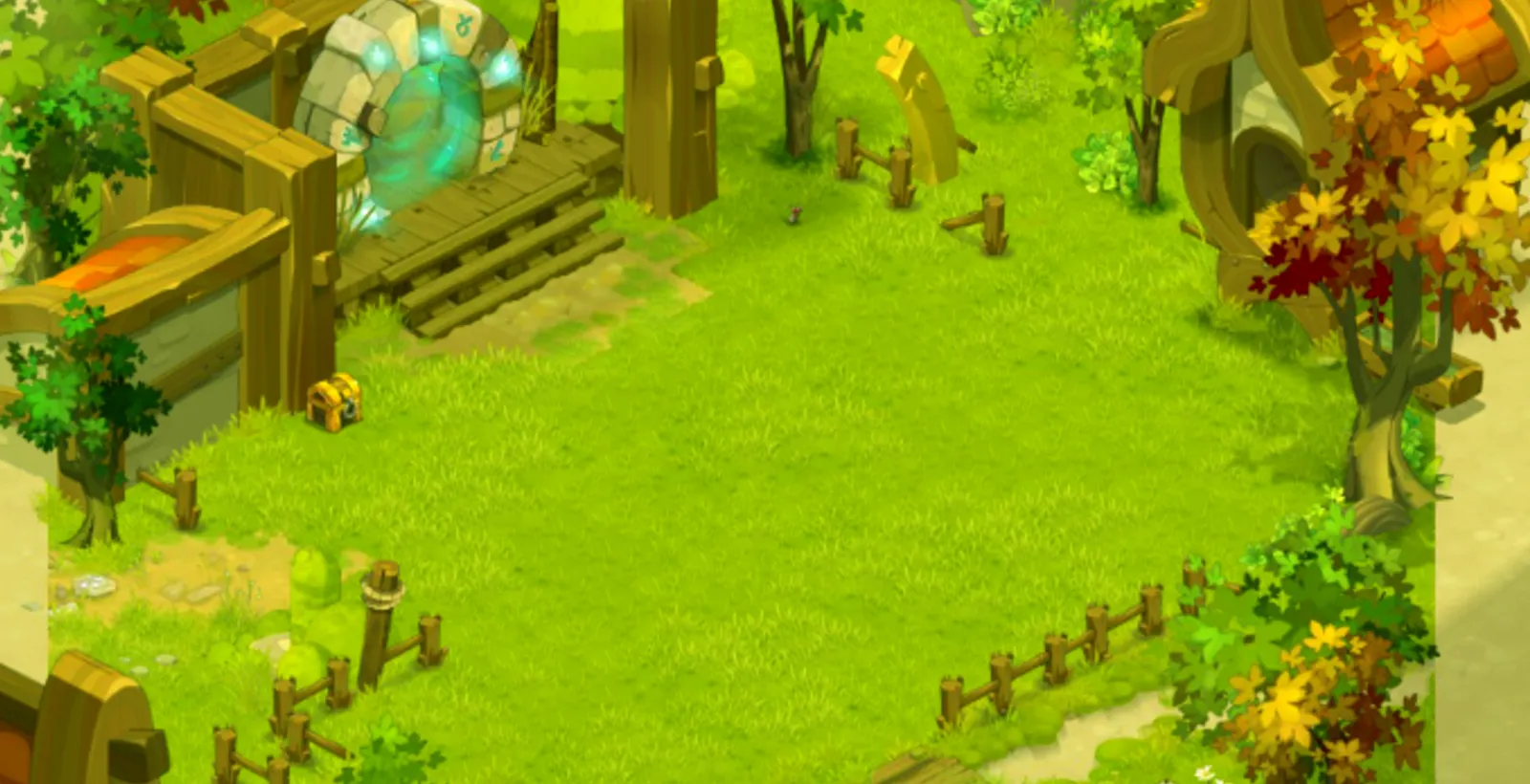
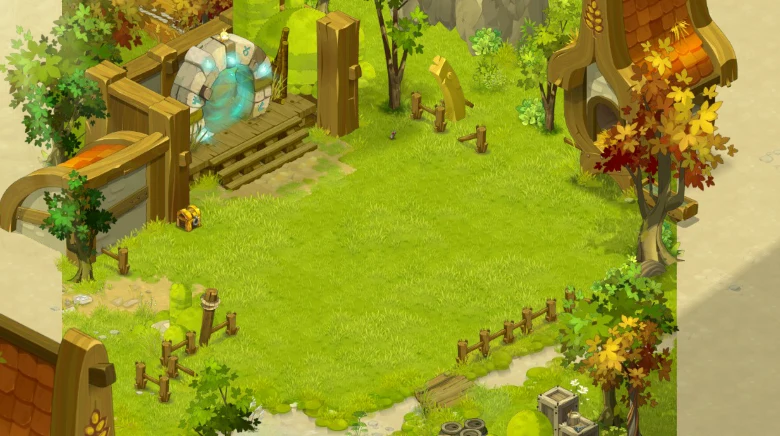
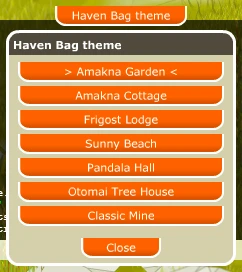
Your Haven Bag is no longer a mine tunnel. It now opens on the Amakna Garden, and you can pick one of seven themes for your whole account.
- Amakna Garden by defaultEvery Haven Bag now opens on an open garden with trees and a cottage.
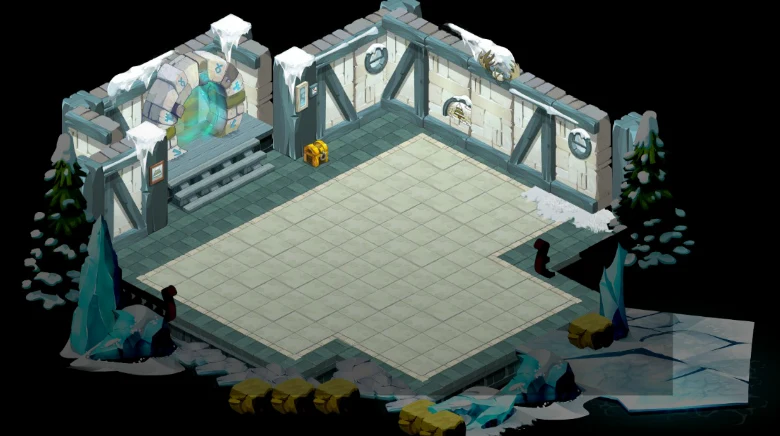
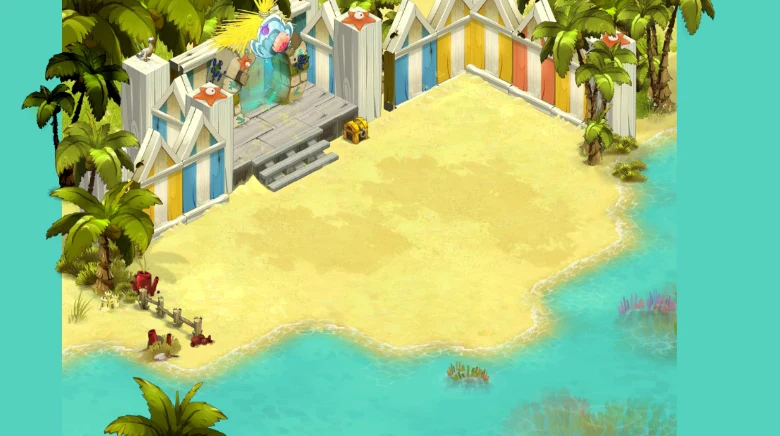
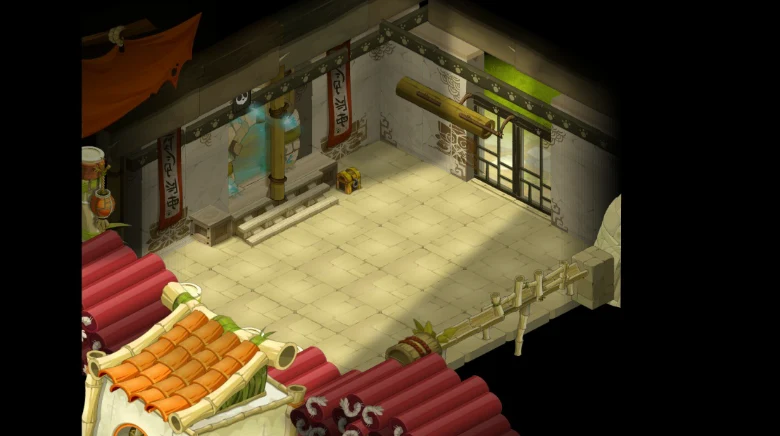
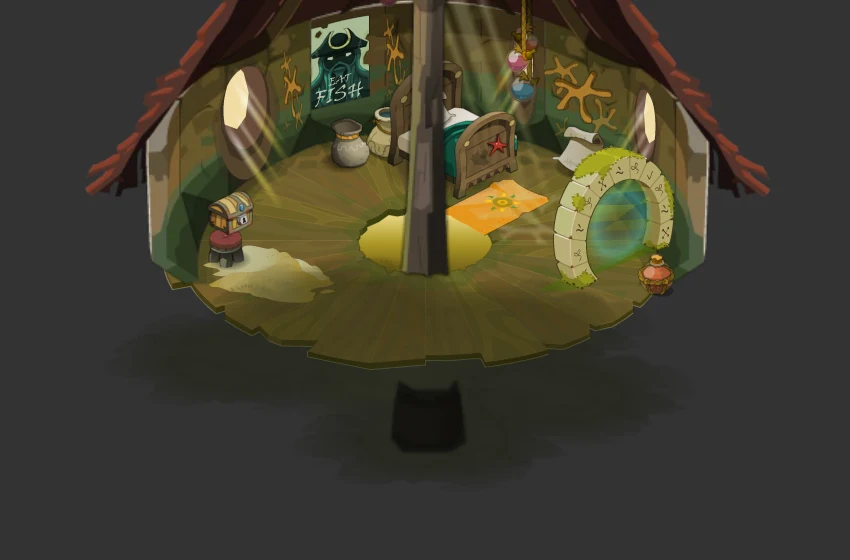
- Seven themesFrom a cosy cottage to a sunny beach, a Frigost lodge and a Pandawa hall.
- One clickThe Haven Bag theme button in your bag changes it at once, for your whole account.
- 7themes
- 1click to change
- 1choice for the whole account
- 0items moved: your chest stays the same
New look
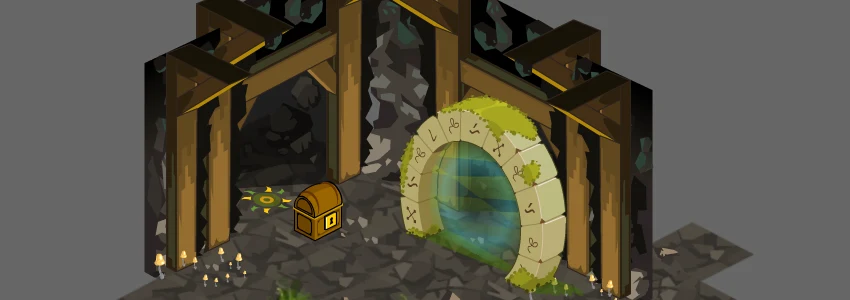
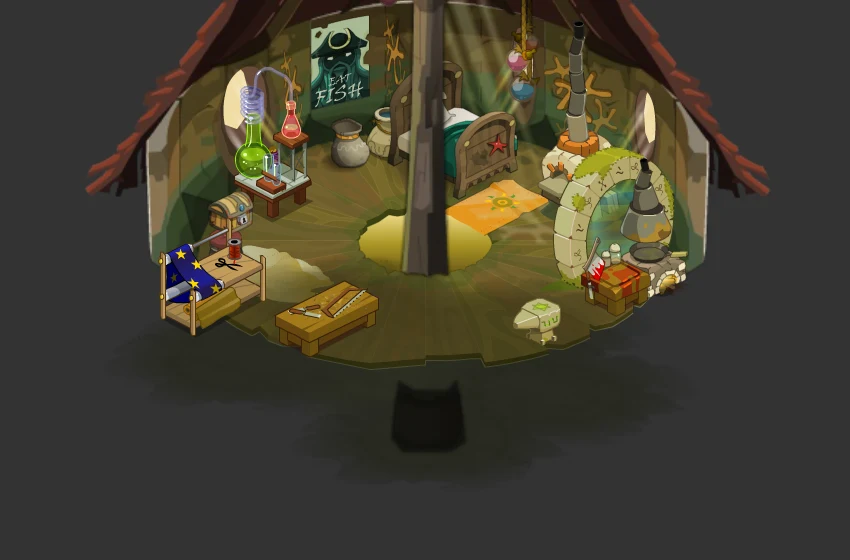
Seven rooms for your Haven Bag
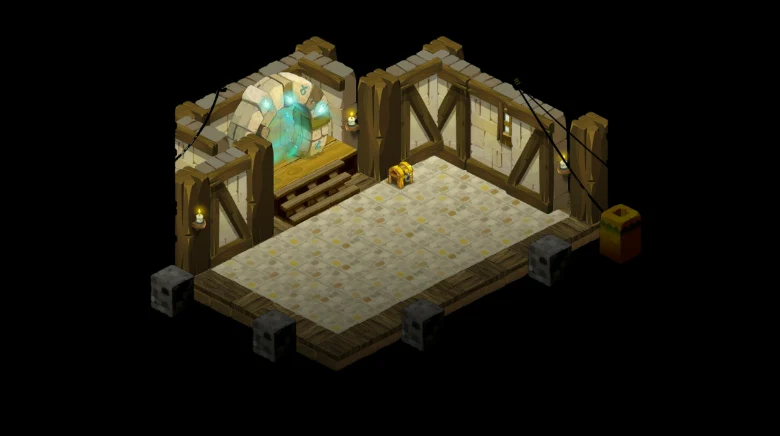
The Haven Bag used to be a narrow mine tunnel. It now opens on the Amakna Garden for everyone, and six other themes are one click away. The banner reads Haven Bag in every theme.
How to
Change your theme in one click
Inside your Haven Bag, click the Haven Bag theme button at the top of the screen.
- Open your Haven Bag with the satchel tab above the chat, as before.
- Click Haven Bag theme at the top of the screen. The list marks the theme you are in.
- Click a theme: you move into it at once, right next to your chest. Close keeps the current one.
- The choice is saved for your whole account: every character enters the same theme, and it stays after you log out.
- Your chest is the same in every theme: changing the theme never moves anything that is inside it.
- Every theme has the chest and the zaap, and leaving the bag still takes you back for free to where you entered.
New in update 1.0.89
Your own workstations
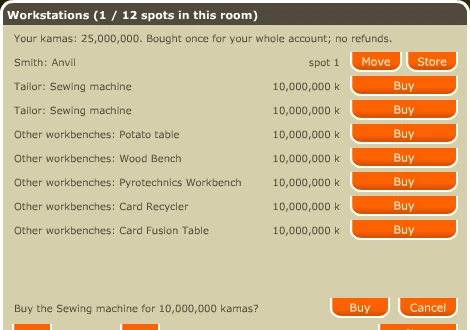
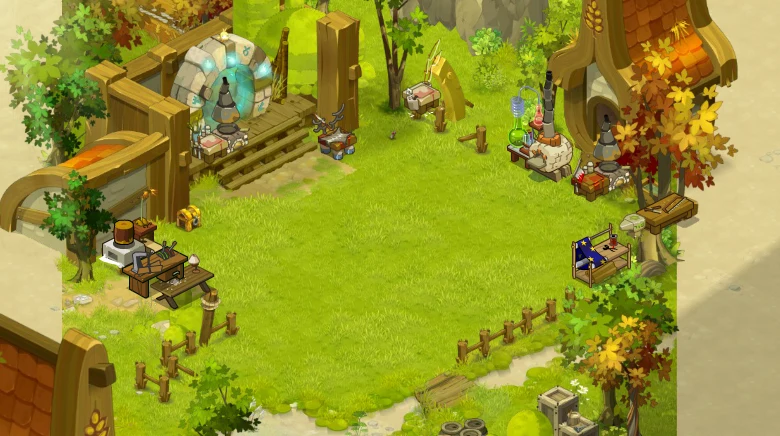
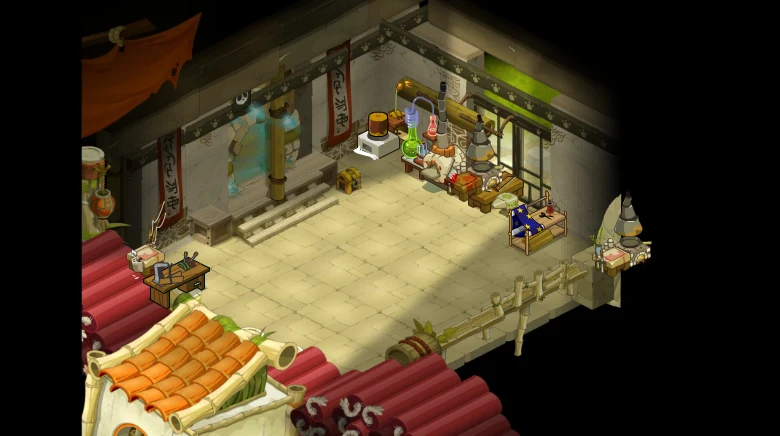
Every crafting workstation of the game can now stand in your Haven Bag: 28 workstations, from the anvils and sewing machines to the magus workshops and the Munster Crusher. Buy one once for your whole account and place it in your room.
- Inside your Haven Bag, click Workstations, next to the Haven Bag theme button. The list is grouped by profession, 10 per page.
- Click Buy, then confirm: a workstation costs 10,000,000 kamas, taken once from the character who buys it, and it belongs to your whole account. There are no refunds.
- It goes on the first free spot of your room. Move takes it to the next free spot, Store takes it off the floor and Place puts a stored one back.
- A placed workstation works like the ones in town: the same craft window, recipes and slots, and crafting from your bank or Haven chest when those switches are on.
- Spots per room: Frigost Lodge and Sunny Beach 12, Amakna Garden 10, Pandala Hall 9, Amakna Cottage and Otomai Tree House 6, Classic Mine 2.
- A workstation keeps its spot number in every theme. On a theme with fewer spots it simply stays stored; you never lose it.
Unchanged
Everything else stays the same
The themes only change how the room looks.
- The chest is shared by all the characters of your account and holds up to 1,000 stacks and kamas.
- The zaap takes you to any zaap you already know, for the normal fare.
- Your friends, guild, quests, map, spells and professions windows work inside the bag.
Questions
FAQ
Do I lose anything in my chest when I change the theme?
No. The chest belongs to your account, not to a room: it is the same chest, with the same items and kamas, in every theme.
Can each of my characters have a different theme?
No. The theme is chosen for the whole account, like the chest.
Can I go back to the old room?
Yes: pick Classic Mine in the theme list.
What happens to my workstations when I change the theme?
They follow you: each one keeps its spot number. If the new theme has fewer spots, the extra ones stay stored until you switch back or move them.
Open your Haven Bag
Click the satchel tab above the chat, then Haven Bag theme at the top of the screen.