
Minor update 1.0.109 ·
The Artisan's GuildProfession Contracts
Profession Contracts arrive in Astrub: post a crafting order with your materials and a reward, and let a skilled artisan craft it for you. The Guild keeps everything safe until the work is done.
- Post a crafting orderChoose a recipe, hand over the materials and set a reward. Any qualified artisan can take it.
- Craft for a rewardAccept a contract and craft it at the usual workbench, with your normal profession XP.
- Nothing can go missingThe Guild holds the materials and the reward until the craft is done, then delivers both.
- 1%listing fee (min 100 kamas)
- 2%completion tax
- 100%craft success, always
- 10open contracts per character
- 5contracts an artisan can hold
- 7days on the board
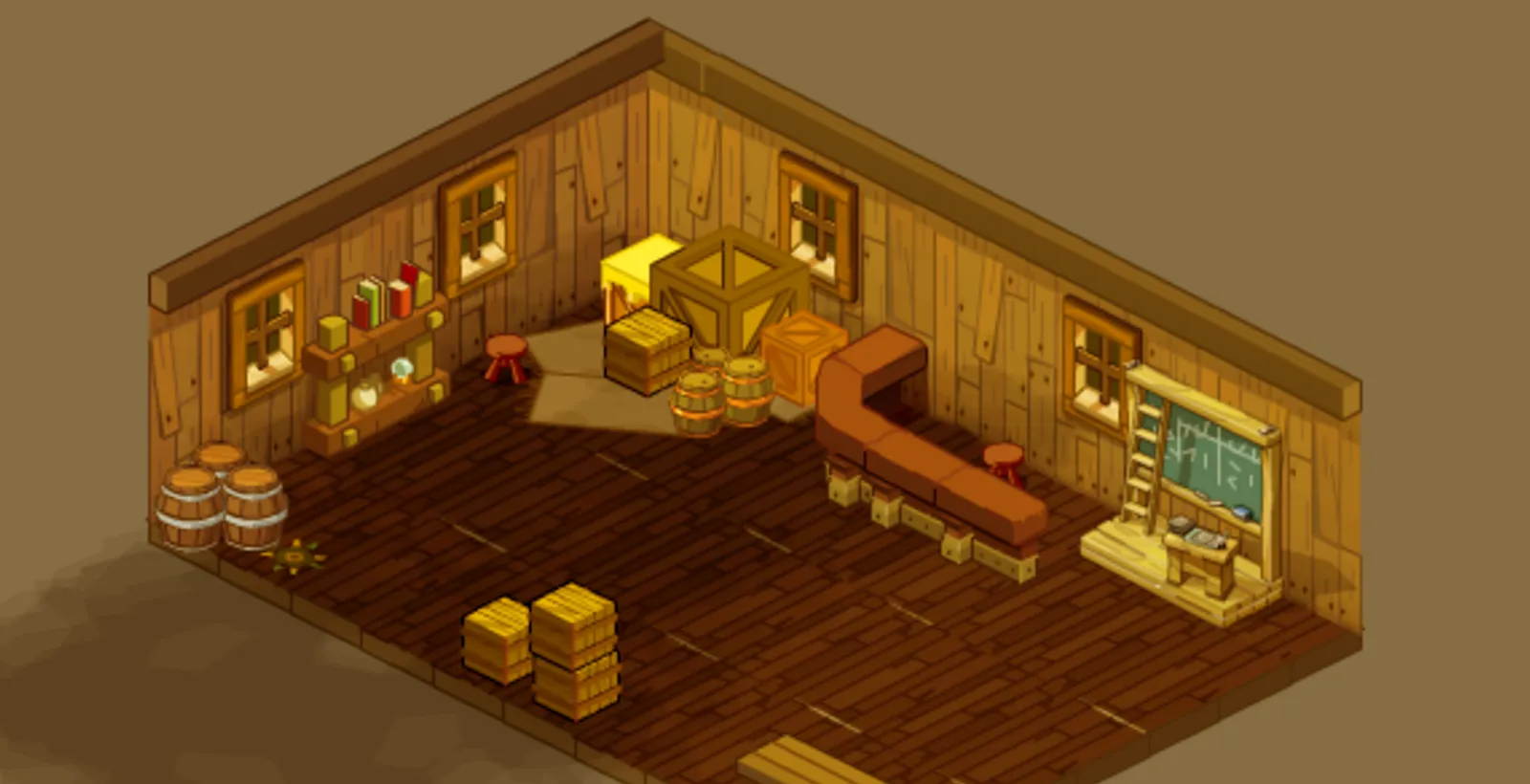
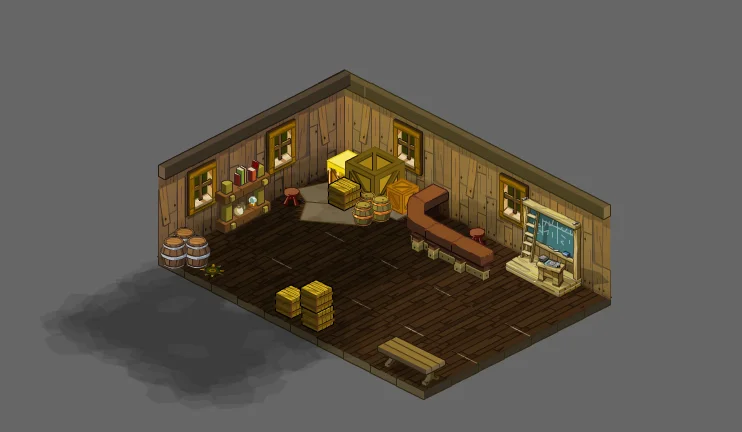
Handyman workshop [5,-18]
Meet the Artisan's Guild Registrar
The Artisan's Guild Registrar waits in the Handyman workshop at [5,-18], in the Astrub workshop district between the Alchemist [4,-18] and the Blacksmith [6,-18].
- Open the contract board to browse, post and follow contracts.
- Collect my deliveries to pick up crafted items, refunds and payments waiting for you.
- How do contracts work? sums up the rules.
- The contract window has five tabs: Browse, Create, My contracts, Accepted and Deliveries.
For the customer
Post a crafting order
In the Create tab, search for the item you want, set the reward and confirm. The Registrar picks the materials of the recipe from your bag.
- Choose the item. Any item with a recipe that a profession can craft works.
- Set the reward in kamas and check the listing fee shown on screen.
- Confirm: the materials and the reward go to the Guild, which holds them safely, and your contract appears on the board.
- Materials
- you supply every material of the recipe; the Guild holds them, the artisan never has to bring their own
- Listing fee
- 1% of the reward, at least 100 kamas, paid when you post; it is not returned
- On the board
- up to 10 open contracts per character, and an artisan can hold up to 5 accepted contracts at once
- Changed your mind?
- cancel while no artisan has accepted: the materials and the reward come back to your delivery inbox (the listing fee is kept)
- Done
- the crafted item is delivered to you automatically, even if you are offline when it is made
For the artisan
Craft for a reward
Open the Browse tab, filter by profession, level or reward, and accept a contract. Then craft it at any workbench of that profession, exactly as you normally would.
- You can accept a contract only if your profession level gives you a 100% success chance on that recipe, so a contract craft never fails.
- Open the workbench's craft window, then use Craft for contract in the Accepted tab. The materials come straight from the Guild, never from your bag.
- You earn your normal profession XP, and the craft counts for achievements like any other.
- The usual craft rules apply, including maximum rolls when you craft at level 100.
- You can hold up to 5 accepted contracts at once. You cannot accept contracts posted by your own account.
- Your pay
- the reward, minus a 2% completion tax
- When
- as soon as the craft is done; it waits in your delivery inbox if you cannot carry it
 Sword Smith
 Shoemaker
 Jeweller
 Tailor
 Alchemist
 Handyman
Safe and waiting
Your delivery inbox
Crafted items, refunds and payments are never dropped on the ground or lost: they go to your delivery inbox.
- If you are online, deliveries reach your bag right away. Otherwise a notice at login tells you what is waiting.
- Collect them from the Deliveries tab anywhere outside a fight or an exchange, or from the Registrar.
- If an item would put you over your pods, you are asked first.
- Deliveries never expire.
While a contract is open, its materials and reward are held by the Guild: they cannot be traded, sold, lost or spent twice, and they come back to you unchanged if the contract is cancelled.
More to come
More contracts are on the way
This first release covers single crafting orders on the public board. More contract types will follow in later updates.
- Bulk orders of up to 200 crafts, delivered over several sessions.
- Private contracts for one artisan, chosen by character name.
- Masterwork contracts to upgrade your gear, with an approval step before the work is accepted.
- Smithmagic commissions with step-by-step approval (results stay random, as always).
- Artisan reputation and cosmetic titles for completed contracts.
Questions
FAQ
Can a contract craft fail?
No. Only artisans with a 100% success chance on the recipe can accept it.
What if the artisan is offline when I cancel or when the craft is done?
Nothing is lost. Everything goes to the delivery inbox of the right player and waits there, with no time limit.
Can I craft for my own contracts?
No. A contract can only be accepted by a character of another account.
Do I need to reinstall?
The launcher updates your client automatically the next time you open it. Nothing to reinstall.
Visit the Artisan's Guild
The Registrar waits in the Handyman workshop [5,-18], in the Astrub workshop district.